FAQ
Frequently asked questions
Straight answers about offline use, plans, taxes, teams and privacy.
Does BarnsBook work without internet?
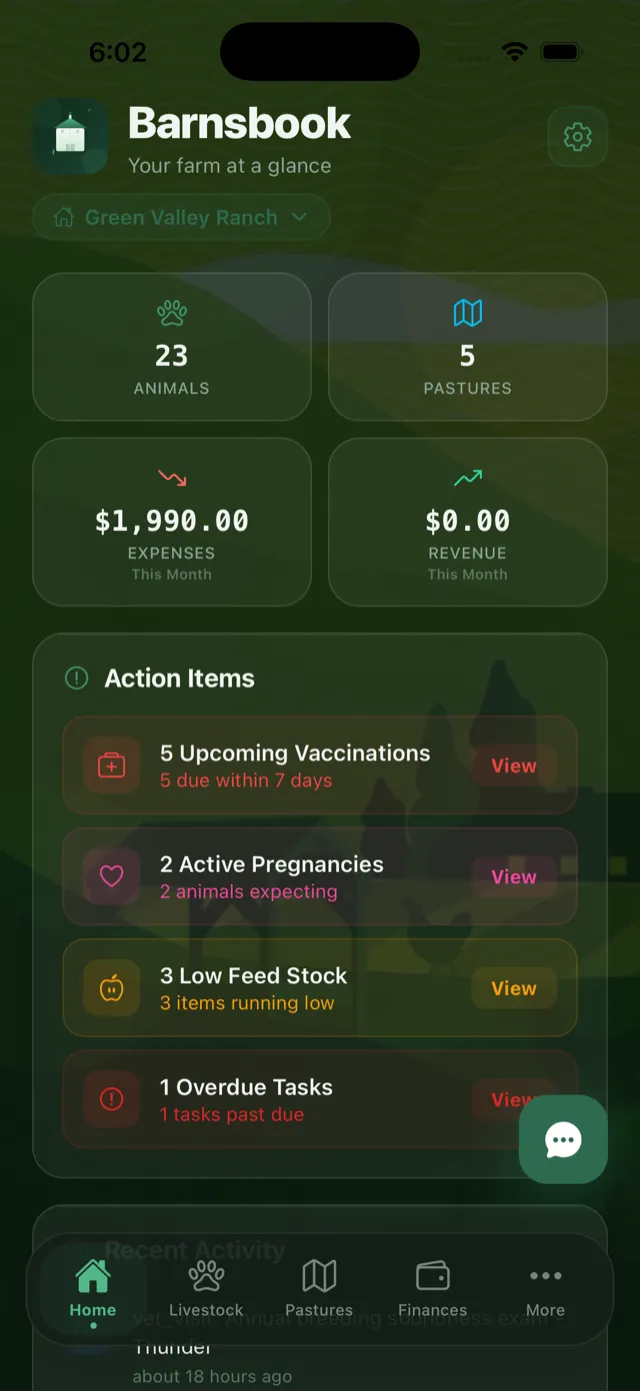
Yes, for day-to-day work. Your records are stored on your device, so you can add animals, log health events, record weights, enter expenses and read reports with no cell service. A few things need a connection: joining or syncing a team ranch, loading satellite map imagery, finding nearby vendors, and downloading the optional larger AI model.
Do I need to create an account?
No. There is no sign-up or sign-in. BarnsBook creates a local profile on your device the first time you open it. Subscriptions are bought through your Apple ID in the App Store.
How do I back up my data or move to a new phone?
On iPhone, iPad and Mac, BarnsBook keeps your records in sync between your Apple devices through your own iCloud account, and Settings has iCloud Backup and Export Full Backup (a file you can save anywhere). On Android, use Export Full Backup. See the
Backup, sync & settings guide.
What does the free plan include?
Up to 15 active animals, 5 pastures, 3 pieces of equipment, 50 expenses per month and 1 ranch, plus health and vaccination records, breeding and calving records, weight tracking, feed logs, tasks and calendar, EID lookup, chute sessions and document storage. Pro is $9.99 a month or $79.99 a year. Premium is $19.99 a month or $159.99 a year. New subscribers get a 14-day free trial. Details are on
Plans & free limits.
Can I use it for calving or lambing season?
Yes. Record breedings (natural, AI or embryo transfer) and BarnsBook works out due dates by species: 283 days for cattle, 150 for sheep and goats. When the births come, log them with each offspring's sex and birth weight and the newborns are added to your herd, linked to the dam and sire. Calving records add ease scores, and Premium's Calving Watch ranks animals by risk.
Does it handle Schedule F for taxes?
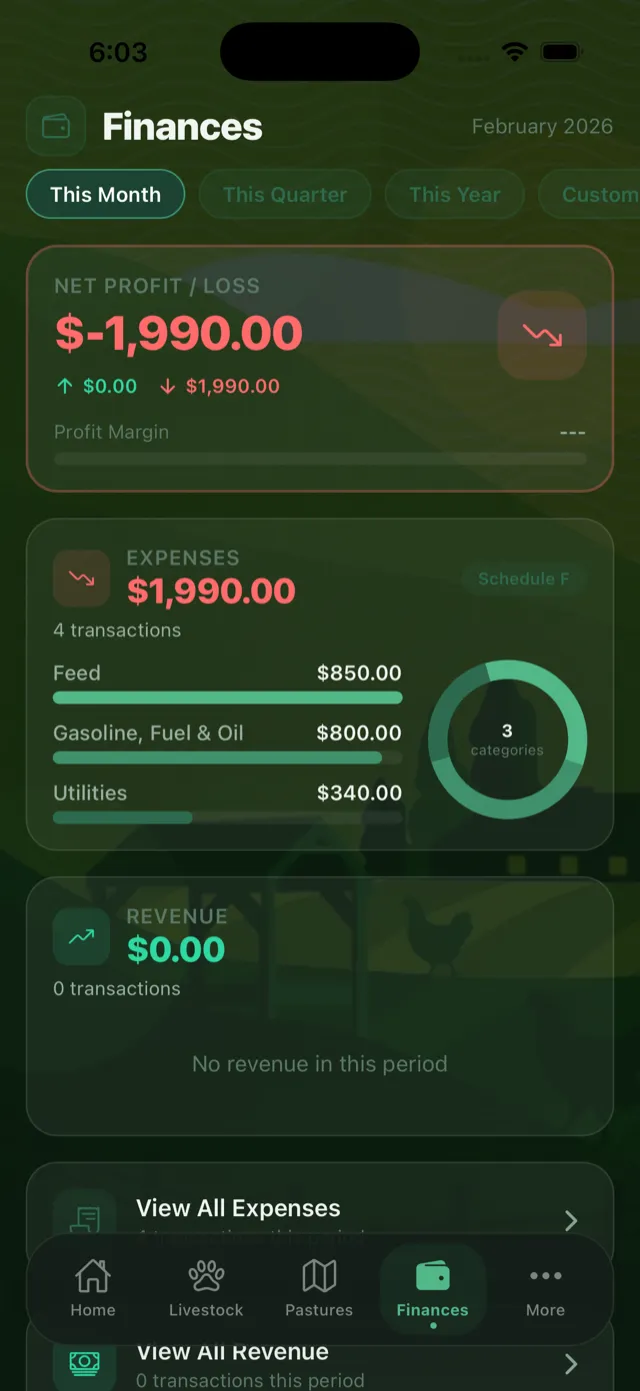
BarnsBook comes with 15 expense categories that follow the Schedule F lines (feed, fertilizers and lime, freight, fuel, insurance, interest, labor, repairs, seeds, supplies, taxes, utilities, veterinary and breeding, and other). With Pro, Tax & Deductions shows a profit and loss summary, a Schedule F breakdown by line and a quarterly estimate, and exports to CSV, QuickBooks (IIF), Xero or PDF. It helps you organize records and is not tax advice.
Can my ranch hands or family use it too?
Yes. The owner needs Premium to invite people; the people invited join free with a code. Roles are owner, manager, worker and viewer, and workers cannot see money screens. A ranch can have up to 5 team members besides the owner. A ranch with a team syncs through BarnsBook's servers.
Which animals can I track?
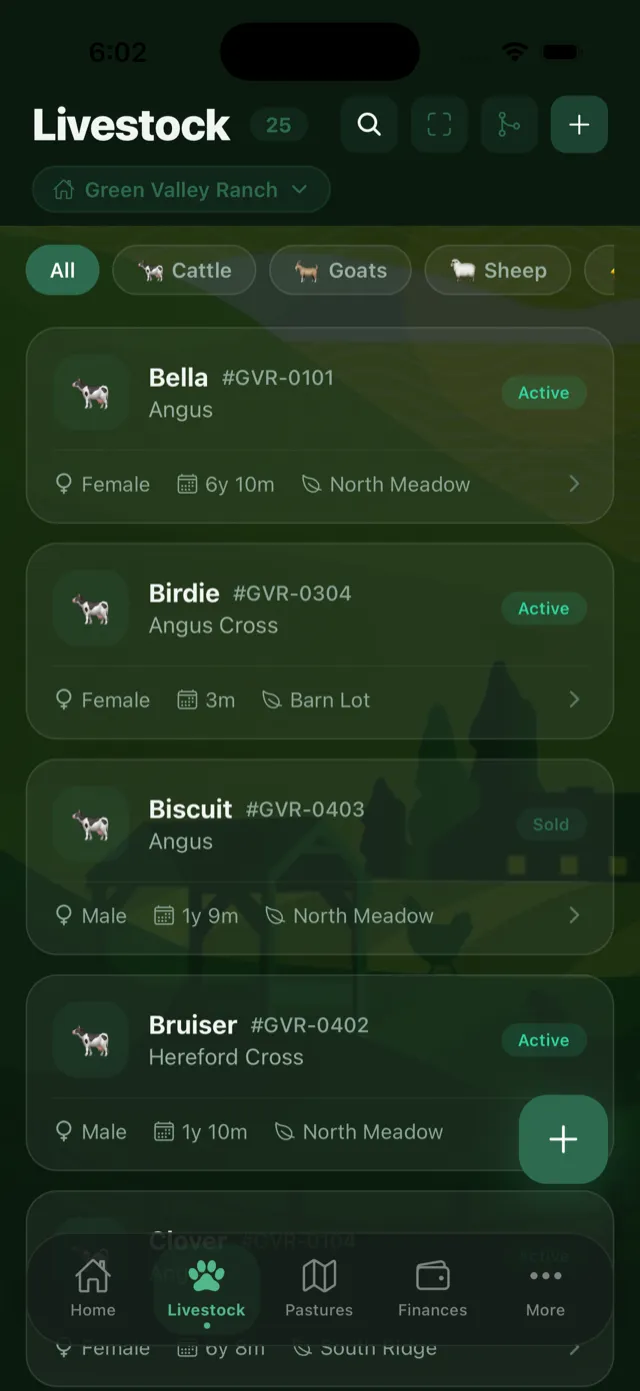
Cattle, sheep, goats, horses, pigs, poultry and other. Breeding due dates are built in for cattle, goats, sheep, horses and pigs. There is also a production log for eggs, honey and wool, and milk records for dairy animals.
Is my data private? Does the AI send it anywhere?
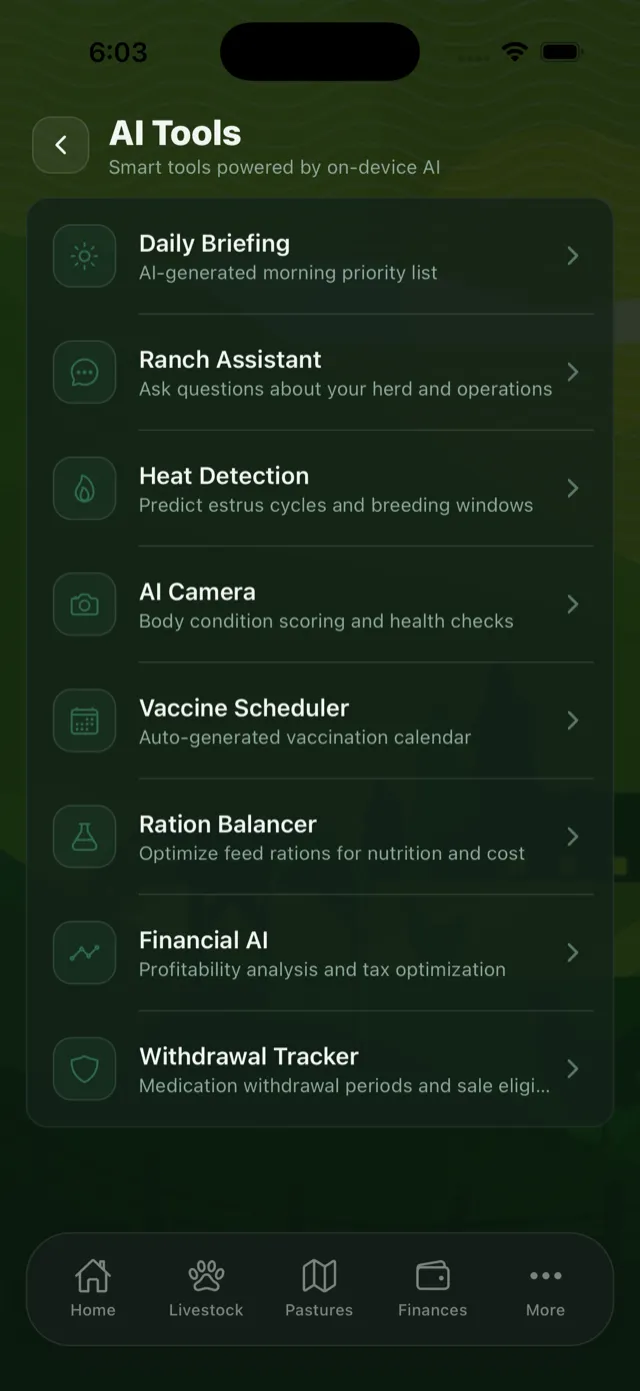
Your records are stored on your device first. We do not run ads or sell data, and there is no analytics service; crash reports go to Google Firebase Crashlytics. Nothing goes to BarnsBook's servers unless you share a ranch with a team. The AI tools run on your device. The
privacy policy lists every feature that uses the internet.
Which devices does it run on?
iPhone, iPad and Mac (where it runs as the iPad app), and there is an Android version. iCloud sync and backup are Apple-only.